
Data management is crucial for modern business operations, especially in terms of understanding and improving data-related processes. Data Flow Diagrams (DFDs) are tools that clearly visualize the movement of data from its source to its destination in each process, aiding in the analysis and design of more efficient information systems within an organization.
What are Data Flow Diagrams?
Data Flow Diagrams (DFDs) are tools used to represent the flow of data between processes, systems, and external entities within a business system. They help visualize the path and movement of data from source to destination. Data flowing through is typically represented as "data" or "output data," clearly showing the relationships between processes and data.
Key components in Data Flow Diagrams
1. Processes
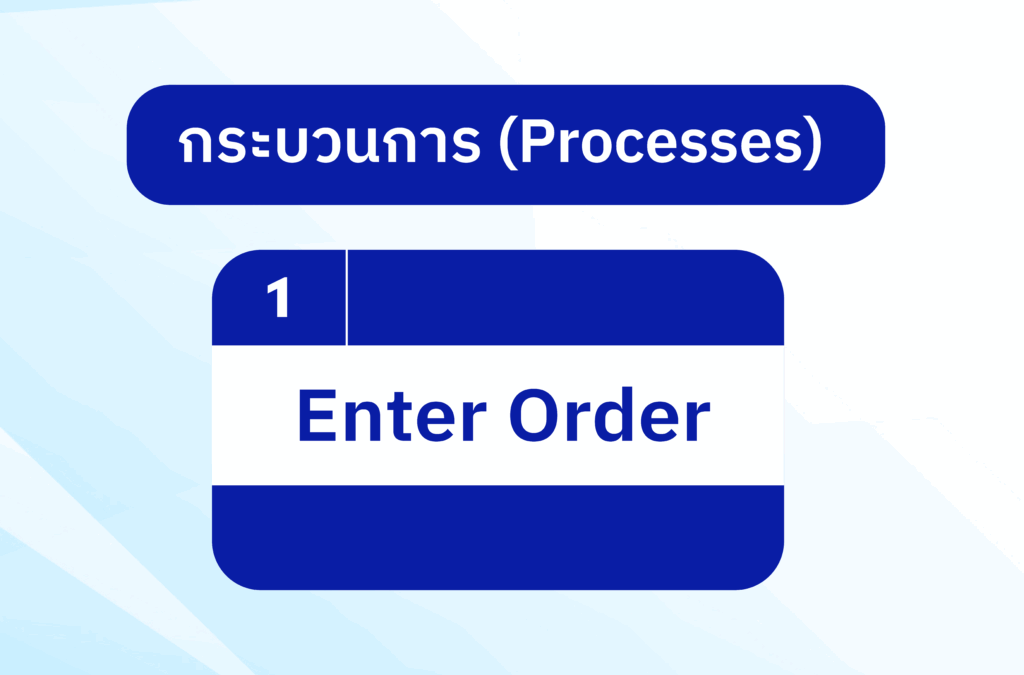
A process represents the activities that occur within a system, involving the conversion of data from one format to another. These processes are shown using squares or circles in a DFD (Data Folder). The example in the image illustrates the process of selecting a product or clicking "Enter Order."
2. Data Stores
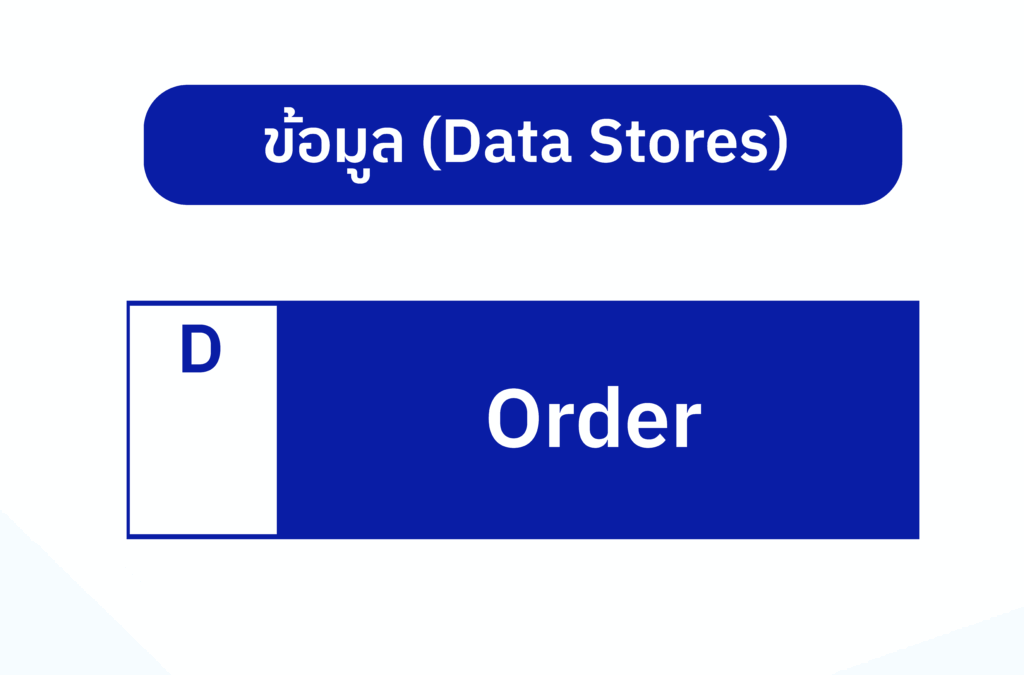
Data or a database used to store information within a system. This data is then used in various processes within the system. This data is often displayed in rectangular shapes, as shown in the image, which displays order information
3. Users (External Entities)
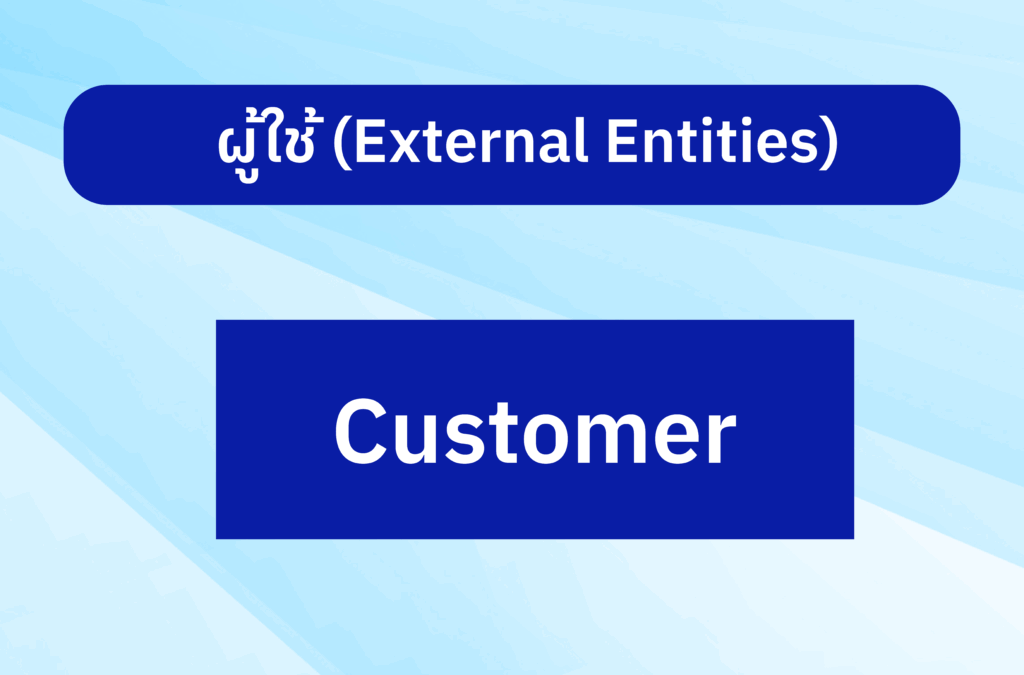
External entities are entities outside the system or organizations involved in the system's processes. These can include users, customers, or other organizations. External entities are represented by rectangles, as shown in the example that depicts a user or customer
4. Data Flows
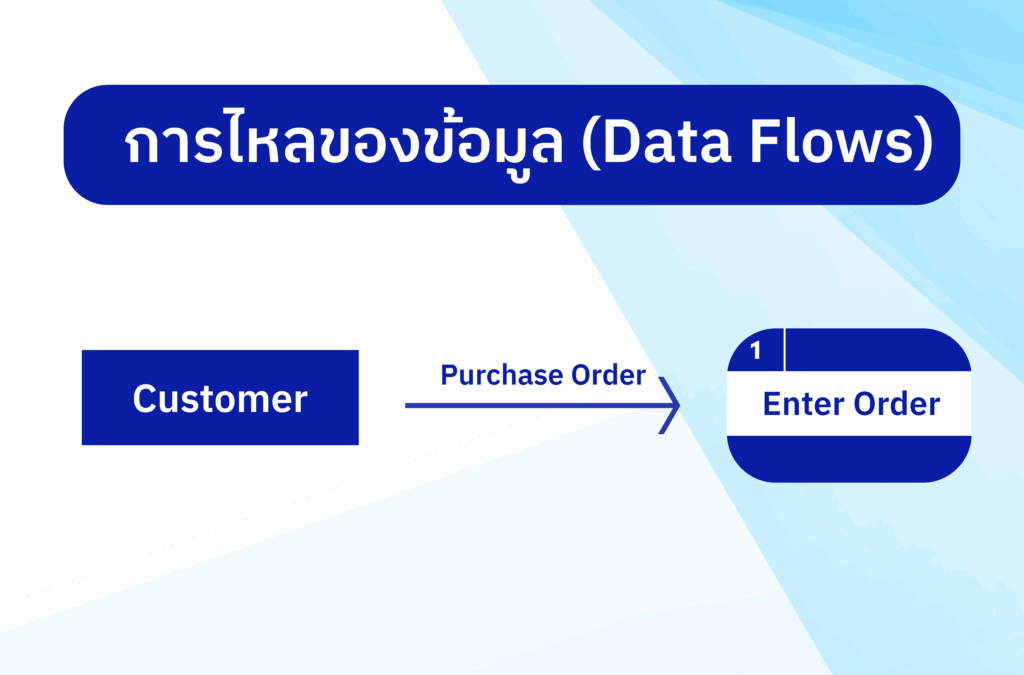
Data flow diagrams (DFDs) represent the lines connecting the various elements, showing how data flows from a source to a destination or from one process to another. The example in the diagram illustrates the data flow from a customer to an order
Types of Data Flow Diagrams
1. Level 0 DFD (Context Diagram)
A Level 0 DFD, also known as a Context Diagram, is a diagram that provides an overview of the entire system, showing only one main process that is connected to external users and data sources
2. Level 1 DFD
At this level, the sub-processes within the system and the connections between those processes are shown to provide greater detail
3. Level 2 DFD
A Level 2 DFD expands on the information from Level 1, providing more detail by showing the breakdown of each sub-process to better understand how the system works
The benefits of Data Flow Diagrams
1. Understand and analyze the process
A DFD (Data Folder) helps businesses or development teams easily understand where data flows from and to, and how it's managed, leading to more efficient system analysis
2. Assistance in system design
DFD is a tool used to design complex information systems in a clear and easily understandable structure, enabling development teams to create systems that meet their needs
3. Identifying problems or gaps
DFD helps identify potential errors or gaps in processes that need improvement, such as inappropriate data flow or unnecessary steps
4. Used as a communication document
DFD (Diagram/Design Folder) is a great tool for communication between teams or between management and employees because it can communicate complex concepts in an easy-to-understand format
Using Data Flow Diagrams in Business Analysis
Using DFDs in business analysis provides a clear view of information flow across various processes. This can be used to improve system efficiency, such as identifying unnecessary steps in processes that may cause delays or correcting points where information flow is problematic, ultimately leading to improved business operations
summarize
Data Flow Diagrams (DFDs) are essential tools for analyzing and designing business information systems. They help visualize the flow of data from source to destination in each business process, enabling teams to improve and enhance organizational efficiency. By using DFDs, businesses can quickly identify problems or weaknesses in processes and make corrections to improve system efficiency.
You can find other articles at: https://demo.rdbi.co.th/blog/
For further inquiries or consultations, please contact:
Page: http://bit.ly/rdbipage
Facebook: https://www.facebook.com/RandDBI/
Line OA: @rdbi
Tel: 02-681-9700
Email: sales@rdbi.co.th 🌟